Other Account Security Settings
This article provides information about additional security settings and advanced features within the account security settings.
Contents
Trusted Devices and IP Addresses
1. Withdrawal Settings

1.1 Address Book Only
When this feature is enabled, withdrawals are restricted to addresses saved in the Address Book. Any attempts to withdraw to addresses outside the Address Book will result in an error message.
1.2 New Address Restriction
This feature can only be enabled if the "Address Book Only" setting is activated. Once active, withdrawals to newly added addresses will only be permitted after a waiting period of 24 hours.
2. Advanced Settings

2.1 Anti-Phishing Code
The Anti-Phishing Code feature consolidates security codes for email, SMS, login, and withdrawal verification. Users will be prompted to create an 8-digit Security Code (Anti-Phishing Code). The code must comply with the 8-digit requirement to ensure proper functionality in SMS notifications.
2.2 Restrict Login IP
When this feature is enabled, users will be automatically logged out if their login IP address changes.
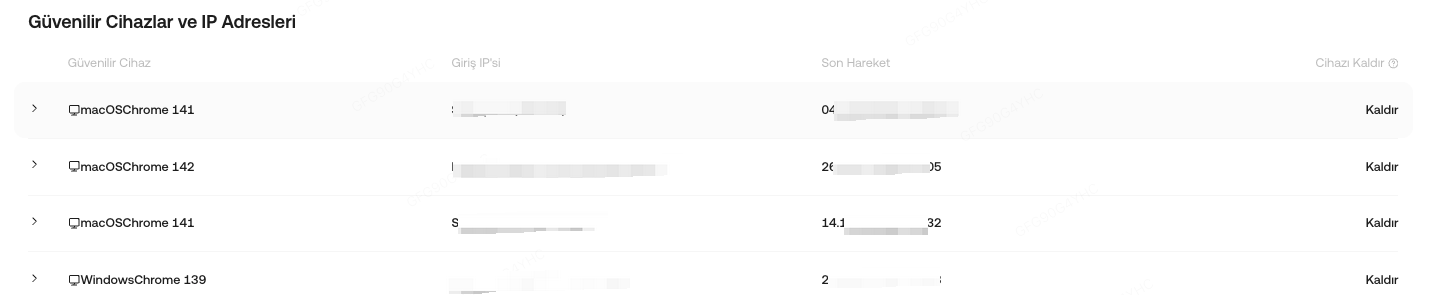
3. Trusted Devices and IP Addresses
To remove a trusted device or IP address, click "Remove" next to the associated device. Security verification will be required upon logging in if the device is not marked as trusted.